Introduction to Quratic
Quratic is an AI query analytics platform for marketing teams. It answers questions that traditional SEO tools cannot: when someone asks an AI platform a question relevant to your market, does your brand appear — and where do you rank on Google?
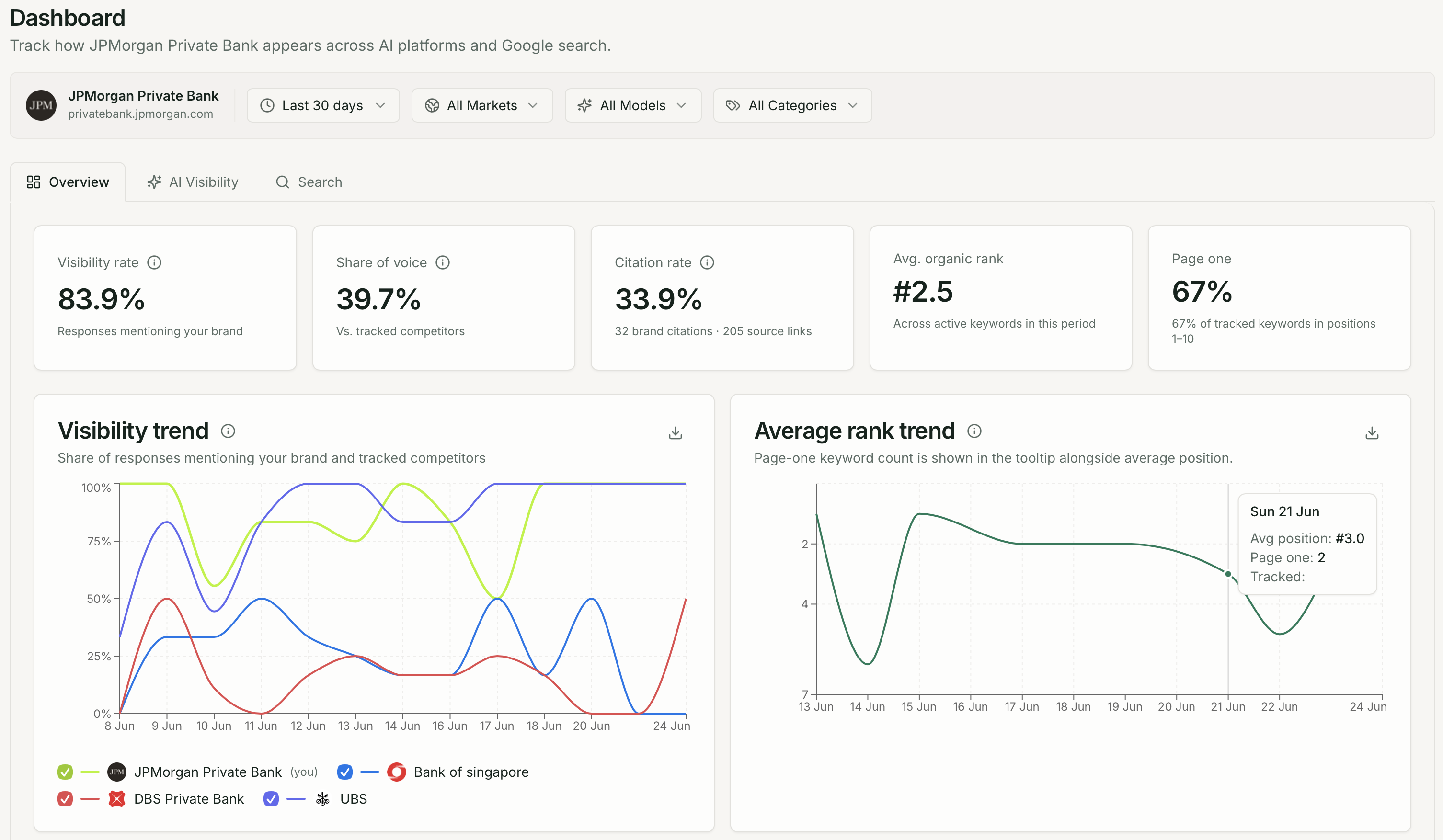
What Quratic tracks
Section titled “What Quratic tracks”Quratic runs on two parallel tracks:
AI Visibility — When a user opens ChatGPT, Perplexity, Gemini, or another AI platform and asks a question relevant to your market, Quratic:
- Submits your tracked prompts to AI platforms on a schedule
- Records the full AI response
- Detects whether your brand (and competitors) appear
- Measures share of voice, position, sentiment, and citations
- Surfaces opportunities to improve your AI presence
Search — For the same markets, Quratic also tracks Google organic rankings for your keywords, including page-one rate, SERP features, and competitor share.
Who it is for
Section titled “Who it is for”Quratic is built for marketing teams at brands operating in Asia-Pacific markets. Every check runs from a real residential IP in the country you select (Singapore, Japan, South Korea, Malaysia, Indonesia, Hong Kong, Taiwan, Thailand, or Australia), so the data reflects what local users actually see.
Key concepts
Section titled “Key concepts”| Term | What it means |
|---|---|
| Project | One brand you are tracking. Your organization can have multiple projects on Pro and above plans. |
| Prompt | A question submitted to AI platforms on a schedule. Write it in the language of the users you want to simulate. |
| Keyword | A search term tracked on Google for organic rank position. |
| Check | One run of a prompt against one AI model from one market. |
| Share of voice | The percentage of checks where your brand appeared in the AI response. |
| Citation | When the AI response links to your website as a source. |
| Cadence | How frequently checks run: weekly, every 48 hours, or daily (depending on plan). |
Next steps
Section titled “Next steps”- Quick Start — get your first project running in under 5 minutes
- The Dashboard — understand the three Dashboard tabs and sidebar