Organizations & Projects
Understanding the Quratic data model is key to operating efficiently as an agency. The hierarchy is simple:
Organization (your agency) └── Projects (one per client brand) ├── Prompts ├── Competitors ├── Metrics & dashboard ├── Project settings (AI models, alerts, exports, API keys) └── Assigned team members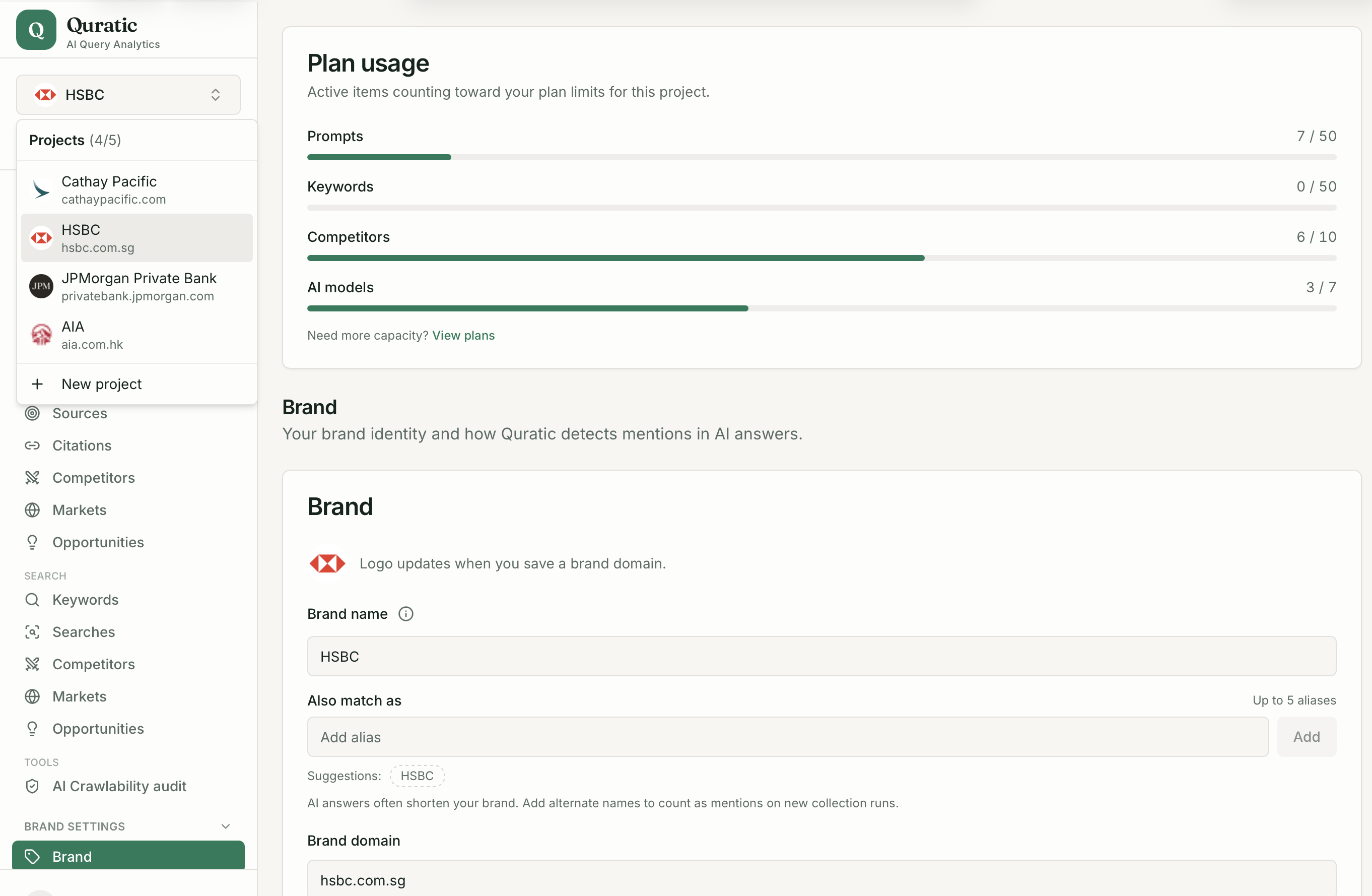
Organization
Section titled “Organization”Your organization is the top-level account. It is the billing entity — your Paddle subscription, plan, and seat count belong here. All of your team members belong to your organization.
Key organization settings (at Settings → Organization, owners only):
- Organization name (your agency name)
- Projects list (create and view all client projects)
- Team members and per-project permissions
- Plan and billing
Projects
Section titled “Projects”Each project tracks one client brand. All of the following are scoped to a project:
- Prompts — the questions Quratic submits to AI platforms
- Competitors — brands tracked alongside the client
- Metrics — share of voice, visibility rate, position, sentiment, citations
- AI model settings — which platforms are active for this client
- Exports — CSV and PDF reports
- API keys — programmatic access (Pro and above)
Switching the active project in the sidebar immediately changes all dashboard data to that client’s brand.
What “workspace” means
Section titled “What “workspace” means”In early versions of Quratic and in some API endpoints, workspace and project are used interchangeably. The current UI consistently uses project. If you see workspace_id in API responses or the URL bar (?workspace=), it refers to the same thing as a project.
Owners and members
Section titled “Owners and members”| Role | Access |
|---|---|
| Owner | Full access to all projects, billing, team management |
| Member | Access only to projects explicitly granted, with configurable per-project permissions (read / create / update / delete) |
There is no “client” role — clients invited to view their own data are organization members with read-only access to their single project.
Plan limits
Section titled “Plan limits”| Plan | Max projects | Max seats |
|---|---|---|
| Agency Starter | 5 | 15 |
| Agency Growth | 10 | 20 |
| Agency Pro | 10 | 30 |
See Agency Plans & Limits for the full feature comparison.