AI Visibility Competitors
The Competitors page under AI Visibility shows how your brand compares to tracked competitors across all AI platforms and prompts.
Opening Competitors
Section titled “Opening Competitors”Click Competitors under AI Visibility in the sidebar. Add competitors in Brand Settings → Competitors or directly on this page.
KPI cards
Section titled “KPI cards”| Metric | What it shows |
|---|---|
| Your share of voice | Your mention rate vs. all checks |
| Leading competitor | Competitor with highest mention rate |
| Competitors mentioned | How many tracked competitors appeared in the period |
| Competitors ahead | Competitors with higher SoV than you |
Charts
Section titled “Charts”- Share of voice trend — your brand vs. competitors over time
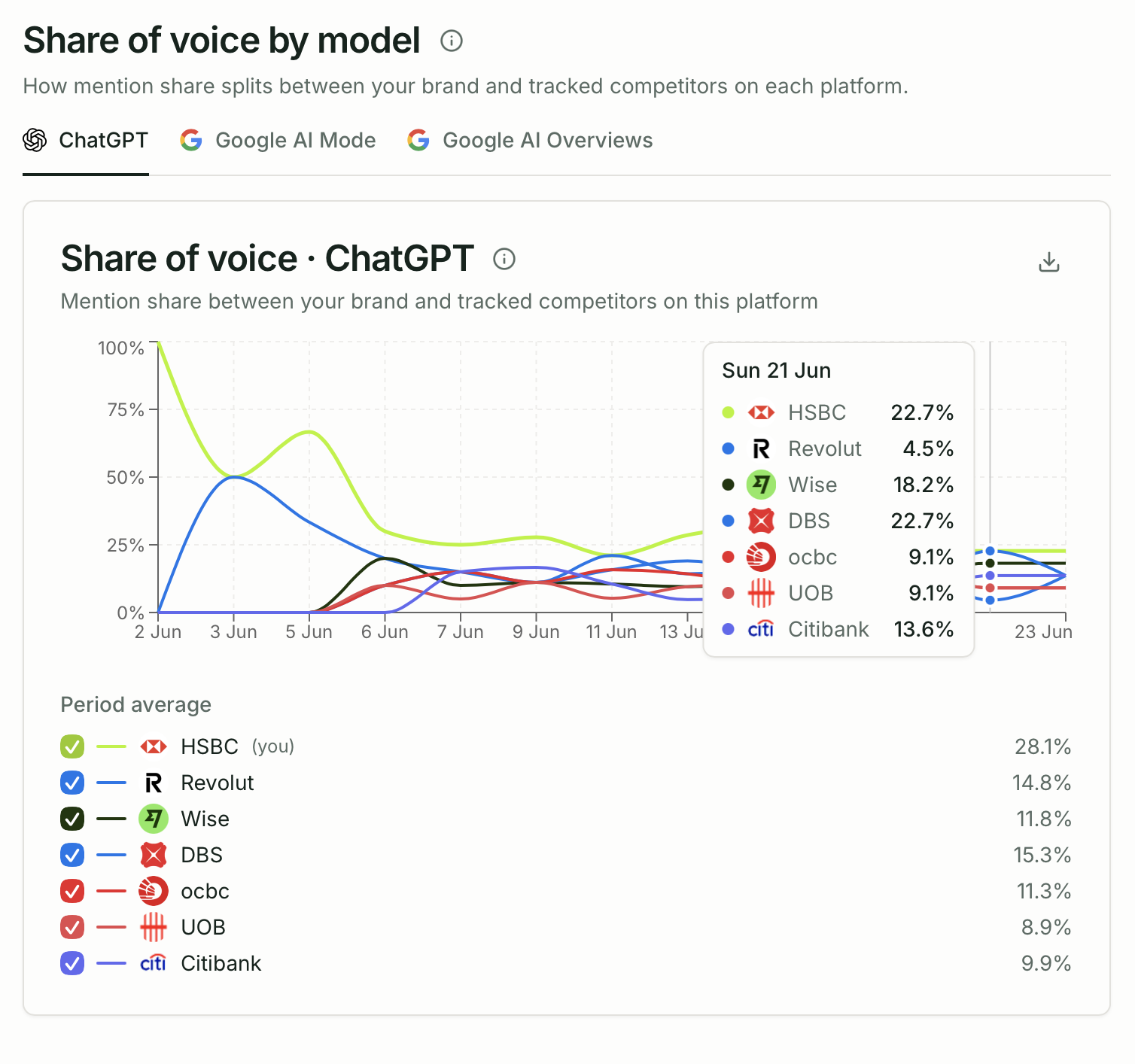
- Share of voice by model — competitor comparison per AI platform
- Average position trend — mention position for each brand
- Competitor citation share — who gets cited most often
Citation gaps
Section titled “Citation gaps”The Citation gaps widget (shared with the Citations page) highlights domains where competitors are cited but you are not.
Tracked competitors table
Section titled “Tracked competitors table”| Column | Description |
|---|---|
| Brand | Competitor name |
| Share of voice | Mention rate |
| Mentions | Total mention count |
| Trend | SoV change vs. prior period |
Adding competitors
Section titled “Adding competitors”- Go to Brand Settings → Competitors or use Add competitor on this page
- Enter the competitor’s brand name exactly as it appears in AI responses
- Optionally add their domain
Plan limits
Section titled “Plan limits”| Plan | Max competitors |
|---|---|
| Trial | 1 |
| Starter | 5 |
| Growth / Pro / Advanced | 10 |
| Agency Starter | 10 |
| Agency Growth | 20 |
| Agency Pro | 30 |